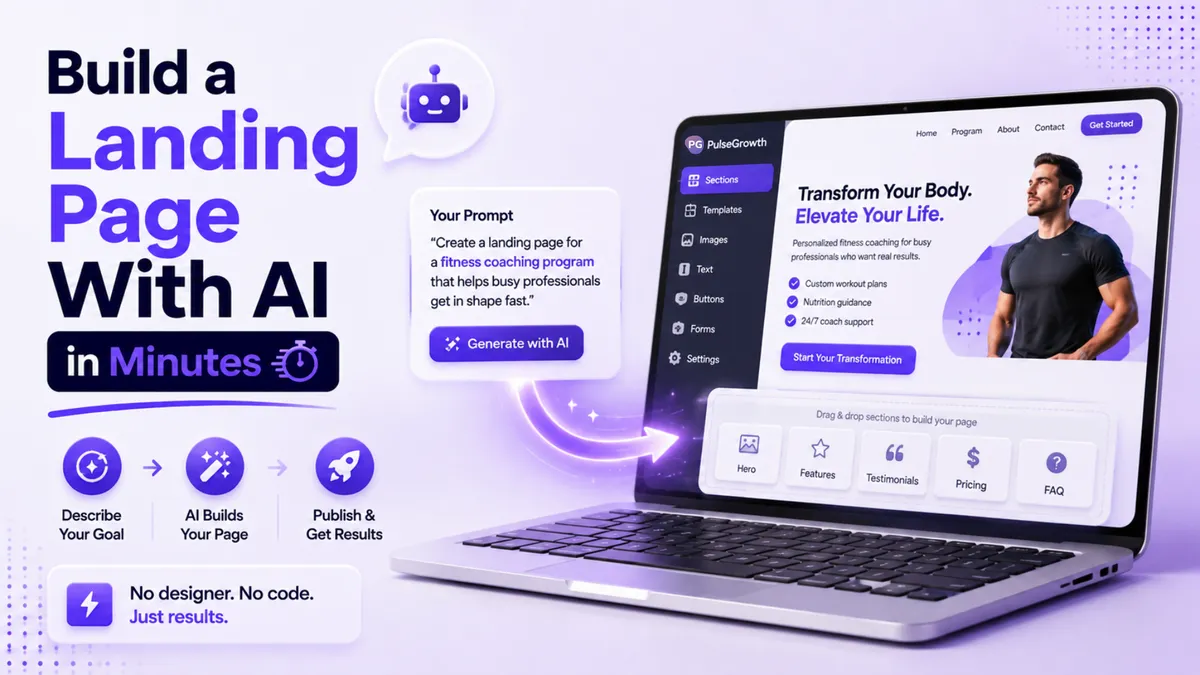
How to Build a Landing Page With AI (Step by Step, No Designer Needed)
The old way to get a landing page built went something like this: brief a designer, wait two weeks, ask for changes, wait another week, and launch a month after the idea was fresh. The new way is typing a sentence and watching the page assemble itself. Here's exactly how to do it.
Quick Answer
To build a landing page with AI in PulseGrowth, enable AI Studio under Settings, then Labs. Open the new AI Studio tab, describe the page you want or pick a template, and the AI builds the full layout and content for you. You can then add a lead form, connect it to your CRM, and publish, all by typing plain English requests. You can even clone a design you like from a screenshot.
What is AI Studio?
AI Studio is a feature inside PulseGrowth, an all-in-one CRM and automation platform for service businesses, that turns written descriptions into finished pages. You type what you want, something like "create a landing page for a med spa open day," and it generates the structure, layout, and content. No drag and drop, no code, no design skills.
It's built for exactly the situations service businesses run into: a coach launching a new offer, a clinic promoting a seasonal treatment, a home services company running a one-off campaign, a consultant who needs a clean page to qualify leads before a call. Anywhere you'd normally wait on a designer for a single page, this does the first 90% in minutes.
How do you turn on AI Studio?
It ships as an experimental feature, so it needs switching on once. Go to Settings, then open the Labs tab. Labs is where new and experimental features live. Type "AI Studio" into the search bar, find it, and enable it.
Once it's on, look at the left-hand navigation menu. A new AI Studio tab appears there. Click it, and you're in.
How do you create the page?
You have two starting points. You can describe what you want in plain language: "create a SaaS landing page," "build a portfolio website," "design a dashboard." Or, if you'd rather have guardrails, pick from the templates section, which includes landing pages, dashboards, portfolios, and more. Templates get you started faster and keep the layout following best practices.
Pick a landing page and the AI starts building immediately. It generates the sections, the layout, and the content on its own. Give it a few moments, and you'll get a full preview of the finished page.
From there, edits work by asking. Want a different headline? Ask. Want new colors, different images, a video, or a section moved? Just describe the change and the AI handles it. You never need to hunt through settings menus.
Here's the full walkthrough on video:
How do you add a lead form and connect your CRM?
A landing page without a form is a brochure. To make the page actually collect leads, type something like "add a form to collect leads." The AI adds the form, then prompts you to connect it to your CRM. Click Connect and give it a moment.
This step matters more than it looks. With the form connected, everyone who fills it in lands directly in your contact list, where your follow-up automations can pick them up straight away instead of sitting in a spreadsheet you check on Fridays. You can also ask the AI to add specific fields, like name, email, and phone number, so you collect exactly what your sales process needs.
When you're happy with the page, click Publish and it goes live.
Can it copy a design you like?
Yes, and this is the feature people don't expect. If you've seen a page whose design you admire, upload a screenshot of it and ask AI Studio to clone it. The AI analyzes the image and generates a similar page for you. It can take a little while on complex designs, but once it's done you can edit everything: colors, text, images, sections, all by asking.
One honest note on expectations. AI Studio gets you a strong, working page fast, and it's brilliant for testing ideas and moving quickly. Your offer, your words, and your proof still decide whether the page converts. We've shared on our blog how a full custom business website was built with AI Studio in a week, and the thinking behind the page mattered as much as the tool.
Key Takeaways
- Enable AI Studio once under Settings, then Labs, and it appears in your left-hand menu.
- Describe the page you want in plain language, or start from a template for a best-practice layout.
- Add a lead form by asking for one, and connect it to your CRM so leads flow into your follow-up automations.
- Edit anything, from colors to sections, by typing the change you want.
- Clone a design you like by uploading a screenshot, then make it your own.
FAQs
Do I need any design or coding skills to use AI Studio?
No. You describe what you want in plain English and the AI builds and edits the page. If you can write a text message, you can build the page.
How long does it take to build a landing page with AI?
The first version usually takes a few minutes to generate. Expect to spend a little longer asking for tweaks and connecting your form, but this is minutes and hours, not days and weeks.
Can I connect the page to my CRM?
Yes. When you add a lead form, AI Studio prompts you to connect it to your CRM, so every submission becomes a contact your automations can follow up with immediately.
Can AI Studio copy an existing website design?
It can clone the look of a page from a screenshot you upload. It generates a similar design that you can then edit and make your own. Use it for inspiration and structure rather than copying a competitor outright.
Is AI Studio good for a full website or just landing pages?
Both. It can build single landing pages, dashboards, portfolios, and full multi-page websites, though a focused landing page is the fastest way to see what it can do.
Want more like this?
AI Studio is included in PulseGrowth, along with the CRM, follow-up automations, and booking calendars your new page will feed. Try it free for 14 days. Start free, and we'll help you get it set up, page included. Start your free 14 day trial here.
The PulseGrowth Team


