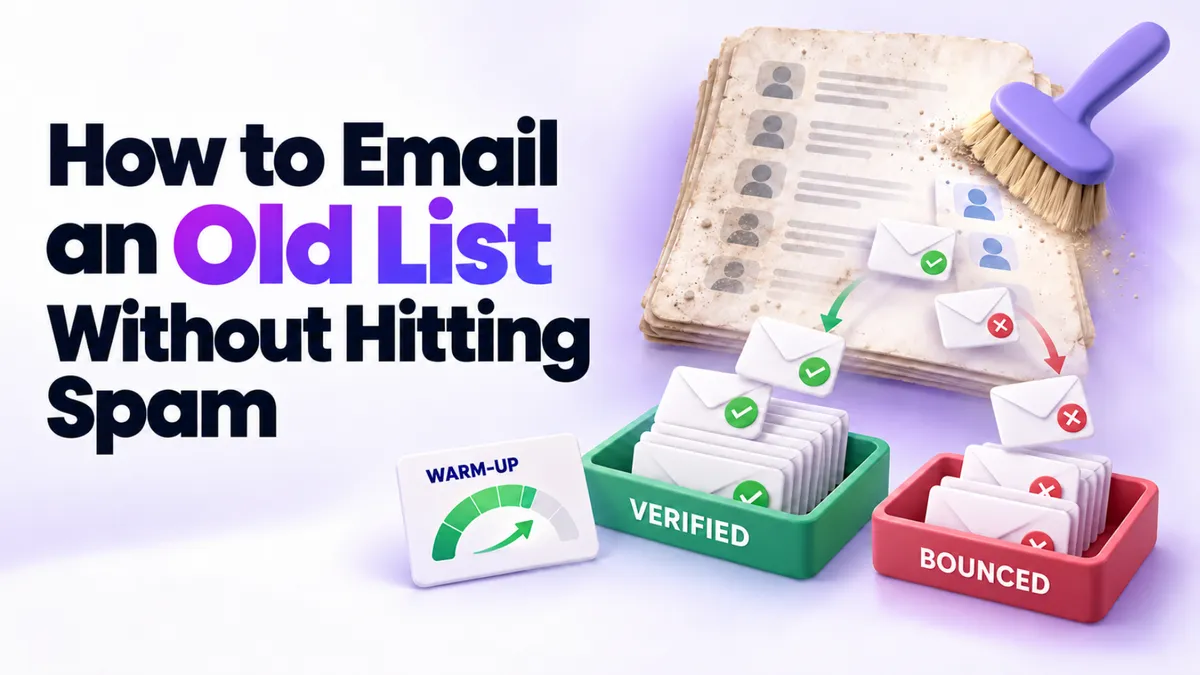
Haven't Emailed Your List in Months? Do These Three Things First
A big old email list is an asset and a risk sitting in the same spreadsheet. Thousands of people who once said yes to hearing from you, plus an unknown number of dead addresses, spam traps, and people who forgot you exist. Blast that list cold and the bounces and spam complaints can damage your sender reputation before you even get to the second send.
We help businesses wake up old lists regularly, and the safe way to do it comes down to three things, done in order. Here's how to email an old list without going to spam.
Quick Answer: How Do You Email an Old List Without Going to Spam?
Before you email an old list, do three things in order: verify every address with a bulk email verification tool, rebuild your email templates inside your current sending platform instead of importing stale ones, and warm up by sending to small batches (a few hundred at a time) while you watch bounces and replies. Mailbox providers judge you by your recent sending behavior, so a slow, clean restart protects your sender reputation.
Why Is a Cold List Both an Asset and a Risk?
Lists decay quietly. People change jobs, abandon inboxes, and mark things as spam without ceremony. Industry data generally puts list decay at roughly 20 to 30 percent per year, so a list that's been sitting for a year or two may have a quarter of its addresses dead or dangerous.
Mailbox providers like Gmail and Outlook don't care that your list was good once. They watch what happens when you send today. A spike of hard bounces and a handful of spam complaints tells them you're a sender worth filtering, and once your emails start landing in spam, climbing back out is slow work. We covered that recovery in why your emails go to spam and how to fix it.
The good news: none of this means the list is worthless. It means the list needs a wash before it goes back in rotation. This applies whether you're a coach with a few thousand subscribers, a clinic with years of patient inquiries, or a local business with every quote request since 2019.
Step 1: Verify Every Address Before You Send Anything
Email verification checks each address on your list and sorts it: valid, invalid, or risky. It catches dead mailboxes, typos, and a good share of spam traps before they can hurt you.
Do this in bulk, not by hand. Nobody should be eyeballing thousands of addresses one at a time. Most modern platforms, PulseGrowth included, can run bulk verification across your whole list as one action, and good standalone verification services do the same.
Then act on the results. Invalid addresses get removed, no exceptions. Risky addresses get set aside; you can test a small sample of them much later, once your reputation is established, or just let them go. Only verified addresses move on to step two. Expect to lose a chunk of your list here, and make peace with it. A smaller list that lands in inboxes beats a big list that lands in spam.
Step 2: Rebuild Your Emails Inside the Platform
If your old templates live in a different tool, or arrive as a designed file from your creative team, the tempting move is to copy them over as-is. Our honest advice: rebuild them from scratch inside the platform you're sending from.
Imported templates tend to carry baggage: broken layouts on mobile, image-heavy designs that trip spam filters, outdated links, and code that renders differently in every inbox. Rebuilding sounds like extra work, but it's usually faster than debugging an import, and you end up with clean templates that your platform's editor can actually maintain.
While you're rebuilding, check the plumbing underneath. If you're still sending from a shared default domain, set up your own sending domain first. It's the single biggest deliverability upgrade available, and we walk through the whole thing in our guide to setting up a dedicated email sending domain.
Step 3: Warm Up by Sending in Small Batches
Now the part most people skip, and the part that matters most. You don't send to the whole list. You send to slices of it, small first, bigger as trust builds.
A typical warm-up ladder looks like this: a batch of about 200 of your most engaged contacts first, then 500, then 750, then 1,000, with a few days between sends. Same campaign, new batch each time, until the whole list has been covered. Tag each batch in your CRM so you always know who has received what, and so the follow-up email goes to batch one on schedule while batch four is still getting email one.
Think of it as surgery rather than a megaphone. The care is the point. Mailbox providers see a sender with steady volume, low bounces, and real replies, and they open the inbox door a little wider each week.
Two details that make the warm-up work harder for you. First, lead with your best contacts: recent customers, recent inquiries, anyone likely to open and reply, because early engagement teaches providers you're wanted. Second, make the first email worth replying to. Acknowledge the silence, offer something useful, and ask a simple question. Replies are deliverability gold. If you want ideas for what that first message says, our post on following up with old leads has a reactivation message that works.
How Do You Know the Warm-Up Is Working?
Watch three numbers after every batch: hard bounces, spam complaints, and replies. Bounces above roughly 2 percent mean your verification pass missed something, so pause and clean again before the next batch. Spam complaints should stay tiny; even a handful in a small batch is a signal to slow down and rethink the message. Replies and opens trending up mean the plan is working, so you keep climbing the ladder.
If a batch goes badly, stop. Sending the next batch into a bounce problem is how a fixable issue becomes a blocklisting. Pausing for a week costs you nothing; a burned domain costs you months.
Setting up batches, tags, and the sending schedule is exactly the kind of fiddly work our team does with new PulseGrowth customers as part of free setup, so if you'd rather hand it over, you can.
Key Takeaways
- Never email an old list cold; verify every address in bulk and remove the invalid ones first.
- Rebuild your email templates inside your sending platform instead of importing stale ones.
- Warm up with small batches, starting around 200 of your most engaged contacts and growing from there.
- Tag each batch so your follow-up emails stay on schedule for every group.
- Watch bounces and spam complaints after every send, and pause the moment they spike.
FAQs
Can I just email the whole list once to see who bounces?
Please don't. That one send delivers all the damage at once: every dead address bounces on the same day, and mailbox providers read it as the behavior of a spammer. Verification tools exist so you can find the dead addresses without sending to them.
How long does it take to warm up an old list?
For most small business lists, two to six weeks, depending on list size and how the early batches perform. Bigger lists and rougher verification results sit at the longer end.
What bounce rate is too high?
Keep hard bounces under about 2 percent per send. If a batch comes in above that, pause, clean the upcoming batches again, and only then continue.
Do I need a dedicated sending domain before I do this?
If you're sending from a shared default domain, yes, set one up first. It keeps your reputation in your own hands, and it takes far less time than recovering from a spam folder problem.
What should the first email to an old list actually say?
Keep it human and low pressure. Remind them who you are, acknowledge it's been a while, give them something genuinely useful, and invite a reply. Save the hard pitch for later emails, once engagement shows the list is alive.
Want More Like This?
If reviving your list sounds like the right project but the wrong job for your week, we'll do the setup with you. Start a free 14 day trial of PulseGrowth and our team helps with the setup, including your sending domain, templates, and the batching system. Start free, and we'll help you get it set up.
The PulseGrowth Team


