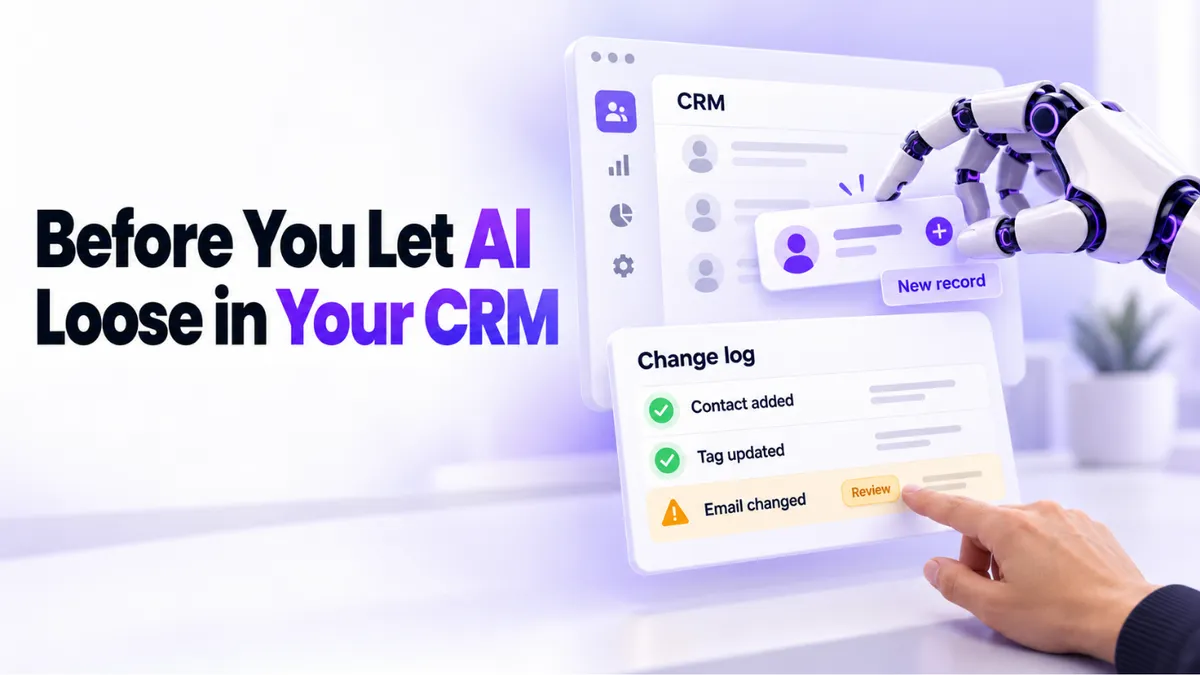
Should You Let AI Make Changes in Your CRM?
"Do we need to remove anything the AI entered?" A business owner asked us exactly that last week, a few days after her team connected a general AI assistant to their CRM. It's a fair question, and it's the one almost everyone asks right after the excitement wears off. So let's answer it properly: should you let AI update your CRM at all?
Quick Answer: Should You Let AI Update Your CRM?
Yes, you can let AI update your CRM, with two conditions. Use the AI built into your platform first, because its changes are easy to trace and your support team can fix anything it touches. And review what any AI enters on a regular schedule, so small errors don't pile up into a messy database. AI assistants are safe helpers when someone on your team stays the owner of the data.
Why Is Everyone Suddenly Connecting AI to Their CRM?
Because it finally works. Business owners are connecting general AI assistants like Claude and ChatGPT to their CRMs and asking them to add contacts, update records, and build campaigns in plain language. No clicking through menus, no watching tutorials. You type what you want and it happens.
That's genuinely useful. It's also why the second question always follows the first: what exactly did it change, and would we even know if something went wrong?
The honest answer is that an outside AI assistant can make changes that look fine today and are hard to trace next month. If a workflow misfires in November, nobody remembers that an AI edited a field mapping in October. The work of finding and fixing that gets harder when the person (or robot) who made the change left no trail your support team can follow.
Built-In AI or an Outside Assistant: Which Should You Use?
Start with the AI that lives inside your platform. PulseGrowth, an all-in-one CRM and automation platform for service businesses, has Ask AI built in. You type a request in plain language, such as "check my unread messages" or "write an email template for my med spa," and it does the work inside the system it already understands.
Three practical reasons the built-in option wins for most businesses:
- It already knows how the platform works, so it doesn't improvise structures the system never intended.
- Its changes are easy for support to see and fix. When something looks off, we can trace what happened and put it right quickly.
- It's cheaper. You're not paying a separate AI subscription to manage software you already pay for.
We walked through what it can do in our guide to using Ask AI in PulseGrowth. This short video shows it in action:
None of this means outside assistants are off limits. They're impressive, and for research, writing, and planning they're brilliant. Just be deliberate about giving one write access to your customer database, especially while your team is still new to the platform. Curious whether any of this AI spend is earning its keep? We wrote a plain-numbers guide to measuring AI ROI in your business.
If you want to see what AI inside a CRM actually covers, from conversations to booking, our AI features page has the full picture.
The Three-Part Checklist Before You Let AI Loose
Here's the checklist we give our own customers. It's short on purpose.
1. Start with the AI built into your platform. Let it handle the inside work: records, messages, templates, page content. Save outside assistants for work outside the database. If you do connect one, start it on read-only questions ("which leads haven't we contacted this week?") before you let it write anything.
2. Review what any AI enters before it piles up. Once a week, skim the contacts, notes, and tasks created since your last look. Five minutes on Friday catches a mislabeled field while it's one record, not three hundred. A small error you catch early is a typo. The same error six weeks later is a cleanup project.
3. Keep one person who owns the data. Not an IT department. One person who knows how to check a record, fix a field, and spot when something looks wrong. When the owner we mentioned earlier couldn't enter a job manually, the real problem wasn't the AI. It was that nobody on the team yet knew the system well enough to tell normal from broken.
That last point matters most. AI is a fast pair of hands, not a replacement for knowing your own business data.
Which Businesses Does This Apply To?
Any service business where the CRM is the memory of the operation: coaches and consultants tracking clients and programs, clinics and med spas managing patient bookings, home services juggling jobs and quotes, local businesses living on follow-ups and reviews. The smaller the team, the more one untraceable change can hurt, and the more a traceable, supported AI pays off.
Key Takeaways
- Let AI update your CRM, but prefer the AI built into your platform because its changes are traceable and supported.
- Give an outside AI assistant read-only work before you ever give it write access to customer data.
- Review AI-entered data weekly so small errors never become a cleanup project.
- Assign one person on your team to own the data and spot when something looks wrong.
- Treat AI as fast hands, not as a replacement for understanding your own system.
FAQs
Can AI mess up my CRM?
It can, in quiet ways: a field mapped wrong, a duplicate contact, a workflow edited out of shape. None of it is dramatic on day one, which is exactly why a weekly review and a traceable AI matter more than any single safeguard.
Do I need to undo everything an AI already entered?
Usually not. Review what it created, fix what's wrong, and keep what's right. A blanket undo throws away good work along with the errors. If you're unsure, ask your platform's support team to look with you.
Is built-in AI better than ChatGPT or Claude for managing a CRM?
For changes inside the CRM, yes. Built-in AI knows the platform's structure, its changes are visible to support, and it costs less. Outside assistants shine for writing, research, and planning around the business.
What should an AI never handle on its own?
Deleting records, bulk edits across your whole database, and anything involving payments. Those deserve a human click every time.
How do I know if AI in my CRM is actually paying off?
Track time saved and response speed, not vibes. Our guide to AI ROI for small business walks through the four metrics that tell you in plain numbers.
Want More Like This?
The safest way to bring AI into your CRM is to not do it alone. Start a free 14 day trial of PulseGrowth and you get Ask AI built in, plus our team's help with setup: calendar, business email, phone number, and your first automations. Start free, and we'll help you get it set up.
The PulseGrowth Team